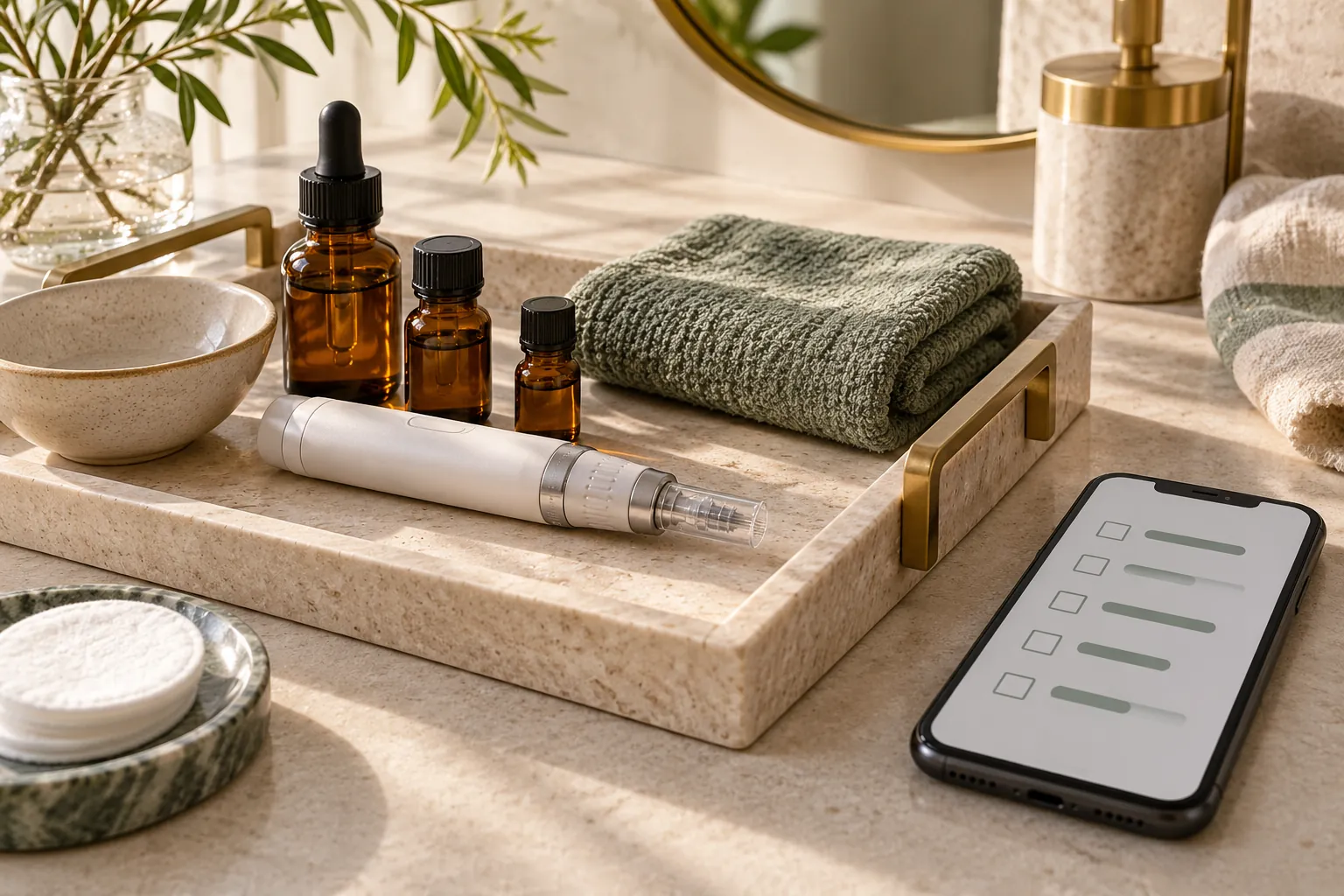
Microneedling is not right for every skin on every day. A recent peel, a skin condition or some medicines change what the practitioner can do. Beauty Art Pro sends a short health questionnaire with every microneedling booking, so these answers are on file before the treatment starts.
The setup at Beauty Art Pro
- A separate microneedling form, apart from the permanent makeup one, so each client only receives the questions that matter for their treatment.
- 10 questions in 3 sections, including a health questionnaire, followed by a signed consent.
- It is attached to the 6 microneedling services: face, face with neck and décolleté, eye area, lips, scalp, and double chin with décolleté.
- Like the consent form, it is emailed with the booking instead of being asked during booking.
- The thank-you message shown after sending is written in English and French.
Set it up in Lorenly
- Go to Settings → Forms and create a form for the treatment family.
- Add a section heading with a short text that explains why you ask, then the health questions. Use yes or no choices where you can, and a text field for details.
- Mark the questions you cannot treat without as required.
- Turn on Require signature and write the Consent agreement.
- Set the Mode to Standalone (public link), switch on Email this form with bookings and attach the microneedling services under Attach to (publishes live).
- Write your thank-you message, then choose Save & publish.
One form per treatment family
Keeping one form per treatment family keeps every questionnaire short. If a client books a visit that combines services from two families, the email lists each form to fill in, and every answer is linked to the same visit. Choice answers show the option the client picked, exactly as they saw it.
To build the form itself, follow Create an intake or consent form in the help centre.