Bookings & scheduling
Everything a client needs to book
Services with prices and durations, your team to choose from, real-time availability, opening hours and location - all on one page built to turn a visitor into a booking.
Bookings & payments
Grow & retain
Beauty & wellness
Health & therapy
Learn
Company
Business directory
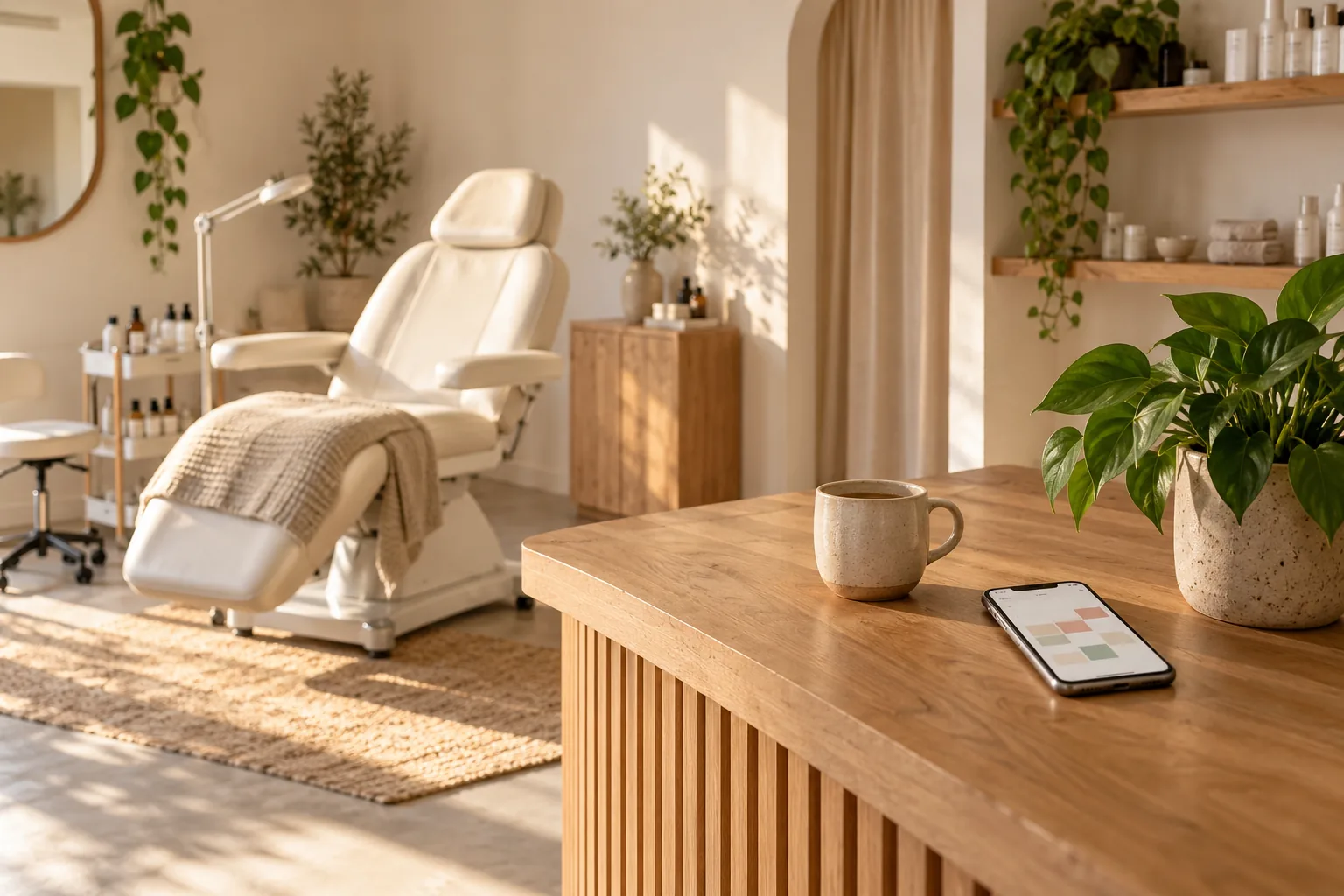
Every Lorenly account comes with a fully branded booking page - your logo, colours and services on a fast, mobile-ready site clients can book from in seconds. It shows everything someone needs to choose and commit: your services and prices, your team, your hours, your reviews and photos - and it takes the deposit at the same time. Run it on your own domain, or embed booking straight into a site you already have.
Works with the tools you already use
Services with prices and durations, your team to choose from, real-time availability, opening hours and location - all on one page built to turn a visitor into a booking.
Your logo, colours and cover photos. Clients see your business, on your own domain or a clean lorenly.com address - never a generic third-party page.
More on Online booking, 24/7Your star rating and recent reviews, a gallery of your work, and staff profiles with bios sit right next to the book button, so new clients arrive already convinced.
More on Custom website & online shopDeposits, full prepayment, gift-card redemption and package balances are handled on the page - the slot is only held once the client has committed.
More on Reviews & reputationThe page follows each visitor's language automatically, so the same site works for everyone who walks through your door.
More on AI booking assistantKeeping your existing website? Embed the booking flow, a reviews widget or a rating badge with a single snippet - no rebuild required.
Every business on Lorenly - it's included free, and it's the page most of your bookings will come through.
“Set up your whole business in an afternoon - then let online booking fill the calendar while deposits and reminders keep no-shows away.”

Free online booking: clients book themselves, day or night, with 0% commission.
A full website and small online shop on your own domain.
Turn happy clients into proof.
An AI booking assistant that answers clients and books them in, 24/7.
Bring your clients, upcoming appointments, services and gift cards across with a guided import - on Pro, our team does it with you.
Add your services, team, hours and photos in the console. Style the page under Settings → Booking page - logo, colours and cover. Share your booking link, put it on your domain, or paste the embed snippet into an existing site. You'll find it under Settings → Booking page.
Every business on Lorenly - it's included free, and it's the page most of your bookings will come through.
Every Lorenly account comes with a fully branded booking page - your logo, colours and services on a fast, mobile-ready site clients can book from in seconds. It shows everything someone needs to choose and commit: your services and prices, your team, your hours, your reviews and photos - and it takes the deposit at the same time. Run it on your own domain, or embed booking straight into a site you already have.
Yes - a fully branded booking page is included with every plan, including the Free plan. There's nothing extra to buy to start taking bookings online.
Yes. Run your booking page on your own domain, or use a clean lorenly.com address - either way it's your brand front and centre, with no third-party logos.
Yes. Embed the booking flow, a reviews widget or a rating badge into any site with one snippet - no developer and no rebuild needed.
Your services with prices and durations, your team, real-time availability, opening hours, location, reviews and a photo gallery - plus deposits, gift cards and packages at checkout.
This free page is your booking site. If you want a full multi-page marketing website and a small online shop on your own domain, that's the separate Custom website add-on - an optional upgrade, never bundled into a plan.
Free plan available. No credit card required.
Get started freeNo credit card required.